
How to share or post your testimonials Twitter (X)
Create testimonial images in Senja and share them on Twitter (X) to showcase social proof to your audience.
Share testimonials on Twitter (X)
1. Create your testimonial image
Go to the Studio in Senja: https://app.senja.io/studio
Create a new image with your testimonials
Click Resize to optimize for Twitter (1440x1080 recommended)
Click Share in the top right
Select Export as PNG
For more details on creating testimonial images, see How to turn testimonials into images.
2. Upload to Twitter (X)
Go to Twitter (X)
Click to create a new post
Click the picture icon to upload your image
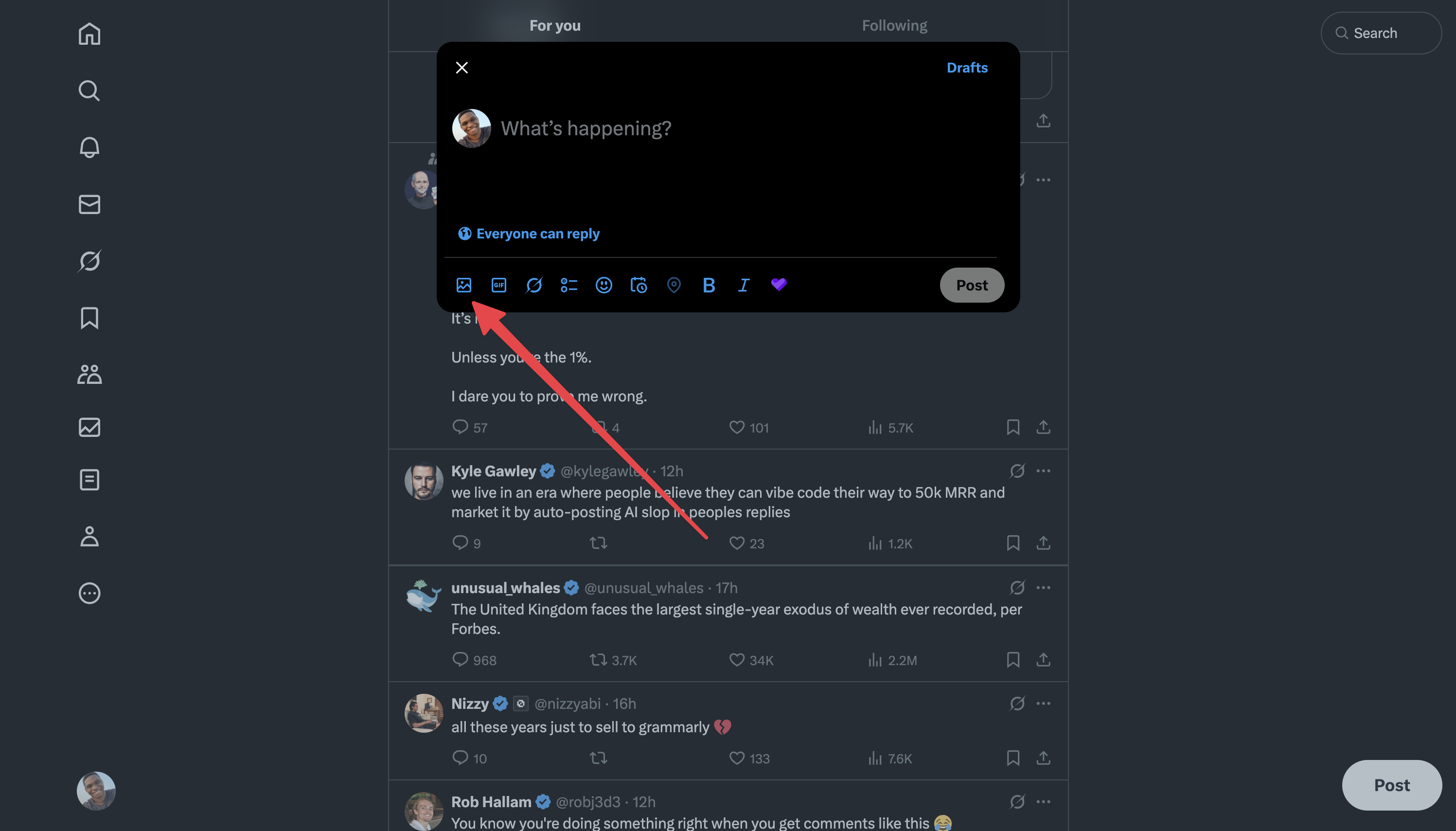
Add your text and post
That's it, your testimonial is now on Twitter (X) 🥳 Not working? Just click Contact Us above and we'll assist you.
Was this helpful?