
Can I import testimonials in bulk?
Senja makes it easy to bulk import your testimonials, if you have it in CSV or XLS file.
Import testimonials in bulk
Go to Import > Upload spreadsheet
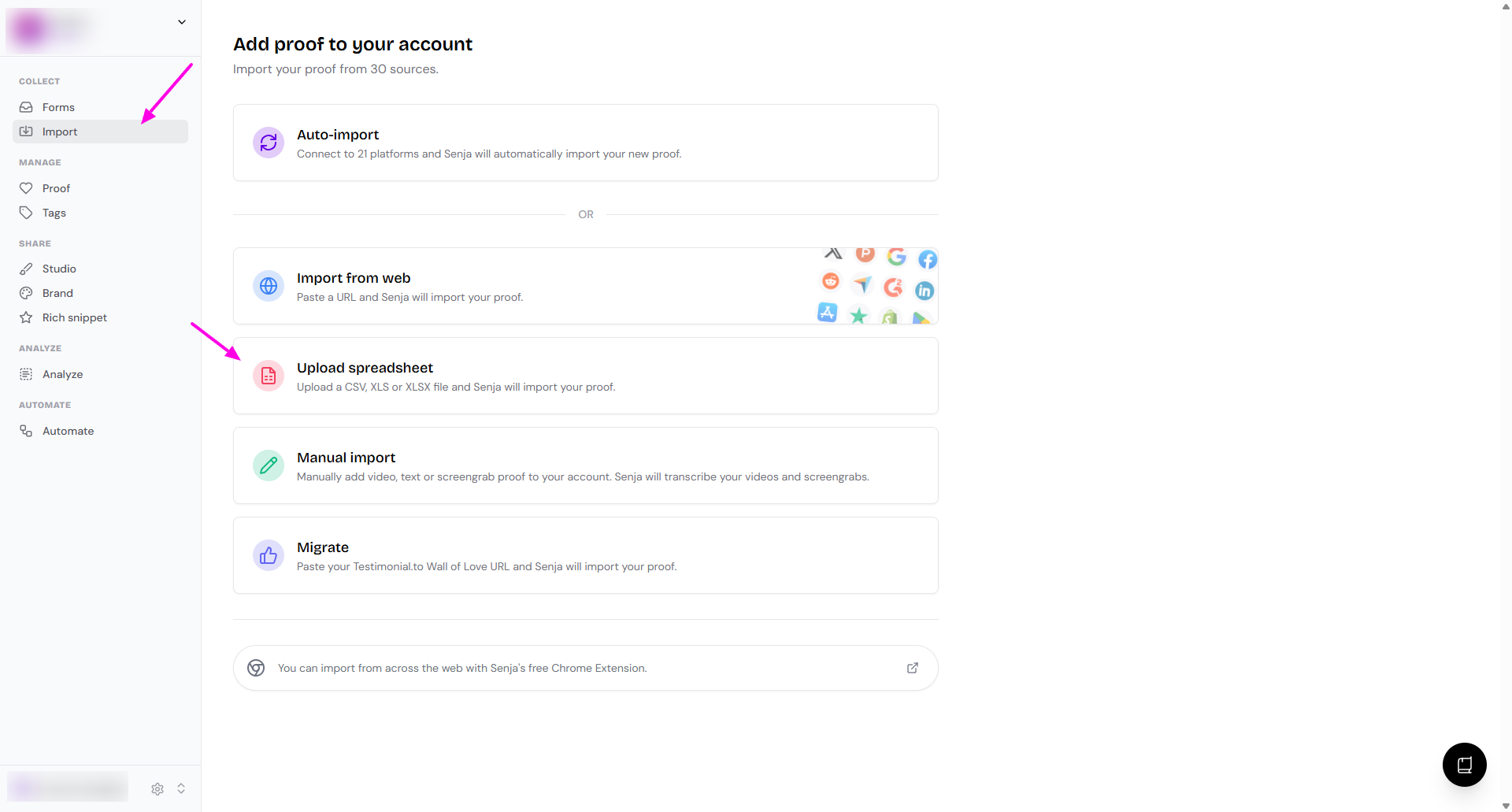
Upload your CSV/XLS/XLSX file with these fields
Name (mandatory)
Email (to associate an email to the testimonial)
User photo (a URL to the photo of your customer if available)
Text (mandatory)
Rating (mandatory)
Job title (to display a job title like CMO of Notion or Founder of Drip)
Integration (if you're bringing these testimonials from another platform)
Date (follow the format of 2023-08-09T00:00:00+00:00)
Video mp4 URL (for importing video testimonial, a URL to the mp4 file of your customer if available)
Username (to add the username of this customer if it exists)
URL (the source url of the testimonial)
Tags (a list of comma separated tags)
Company (a company name of your customer)
Images (a list of comma separated image URLs to assign to the testimonial)
Testimonial title (how you want to name this testimonial in Senja)
Follow the on-screen instructions
What happens next?
Your testimonials are imported in the background
You will receive an email when the import is complete