How do I turn my video testimonials into video embeds?
In Senja Studio, you can turn your video testimonials into video embeds. It works like a widget, but when you choose multiple videos, they will be displayed in 1 frame.
This feature is available for all Senja plans: Free, Starter, and Pro.
Creating video embed
Go to your Studio page: https://app.senja.io/studio
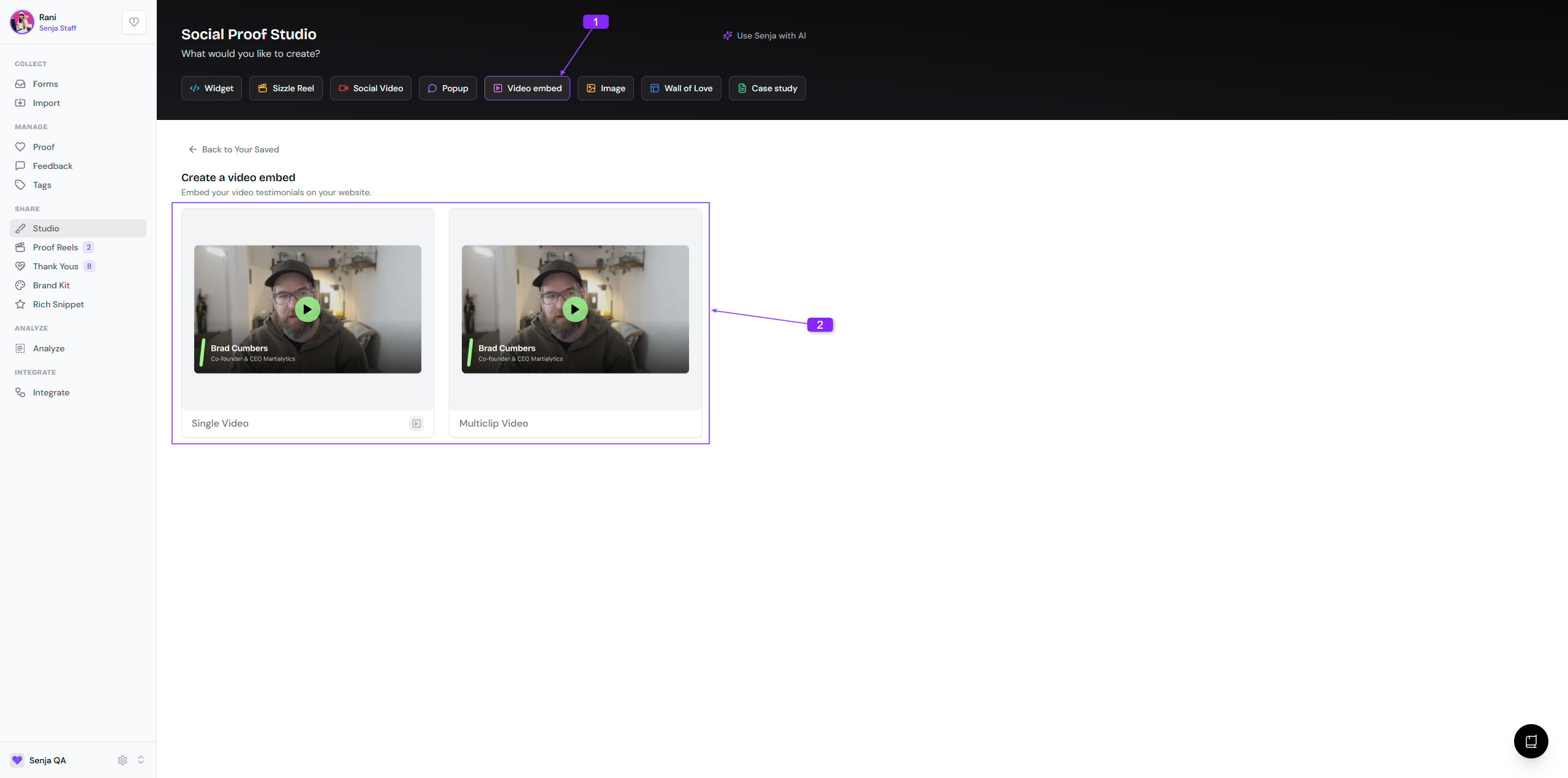
Click Video embeds tab
Choose Single Video or Multiclip Video
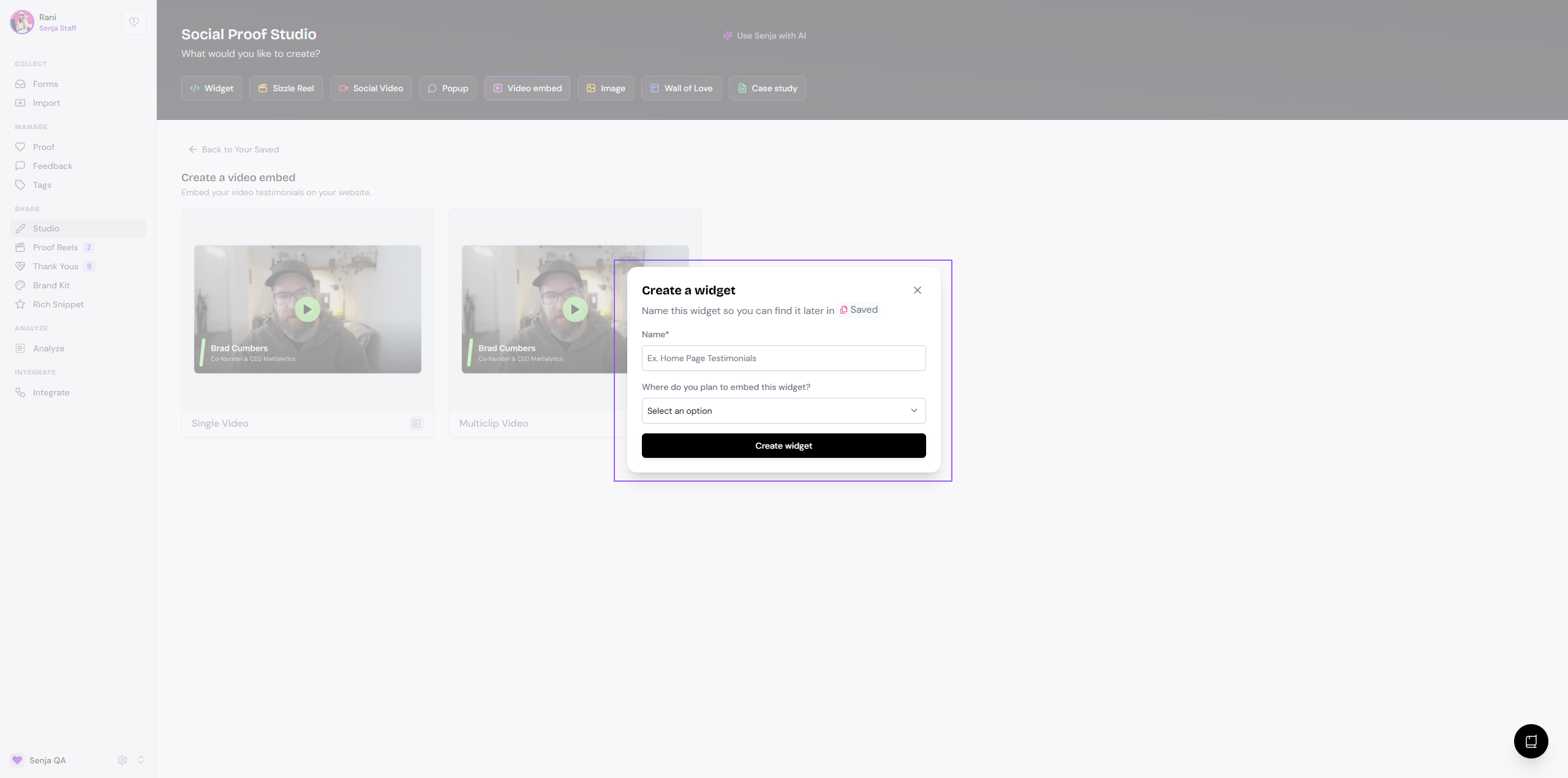
Add the Name and choose Where do you plan to embed this widget?, click Create widget when you're done
Customizing video embed
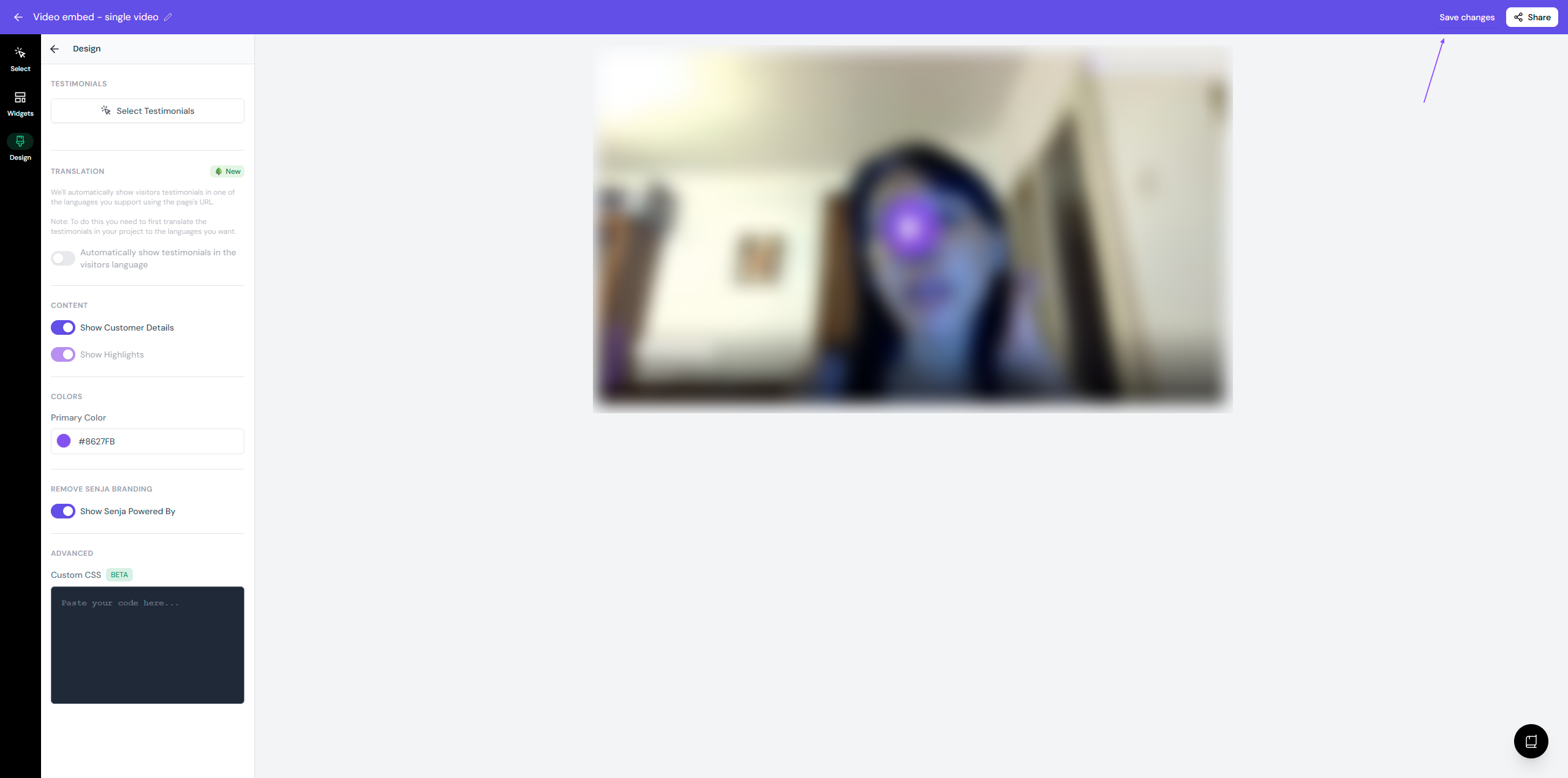
Select Testimonials: choose the video(s) you want to show
Templates: only if you want to change it into a widget
Design: modify some elements of your video embed
Show customer details: When toggled on, it will show the name and tagline of your customer
Primary color: It will be the color shown next to customer details and the play button
Show Senja Powered By: If toggled off, the Senja branding label will be removed (only for paid plans)
Click Save changes when you're done
Sharing video embed
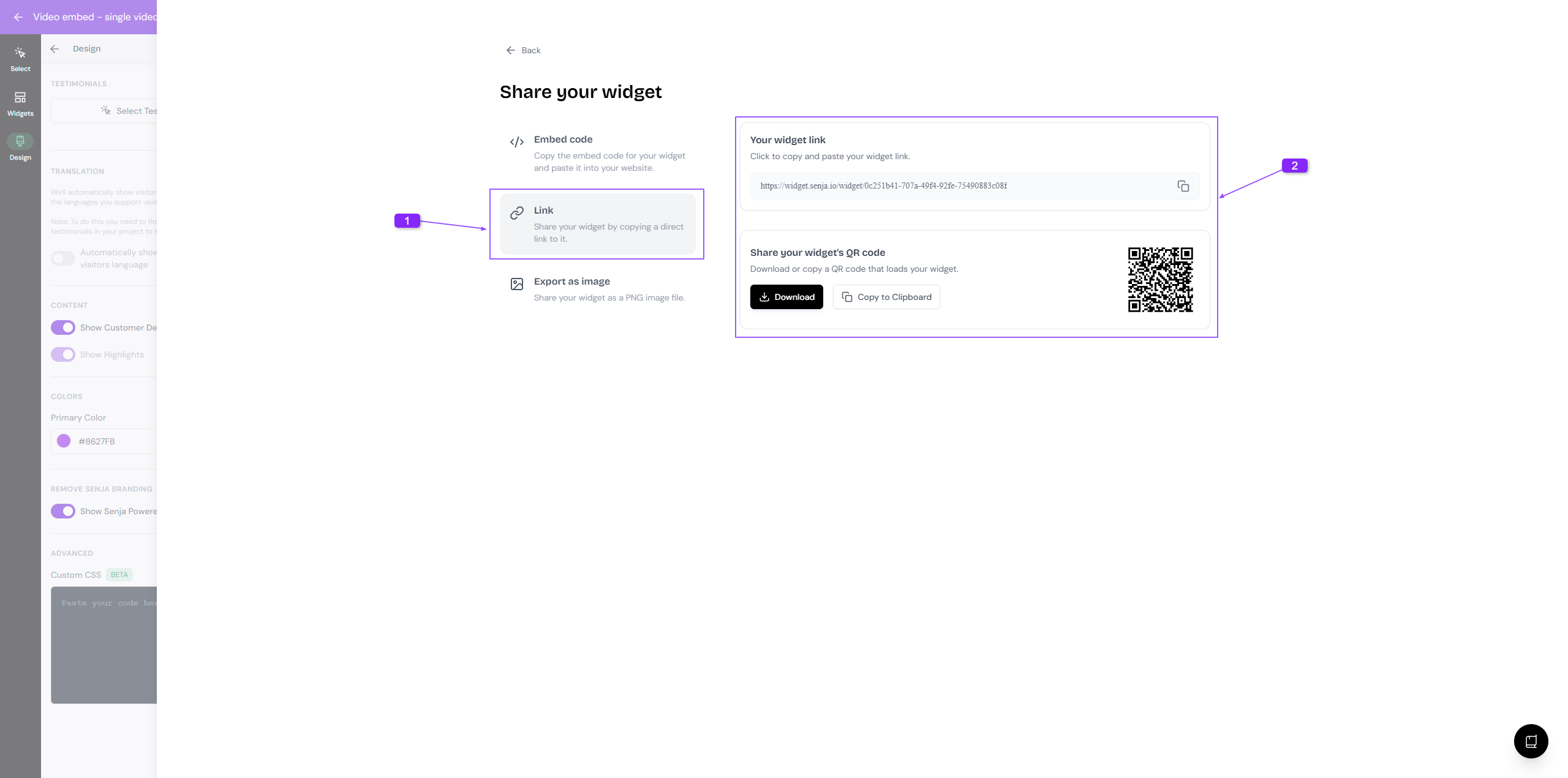
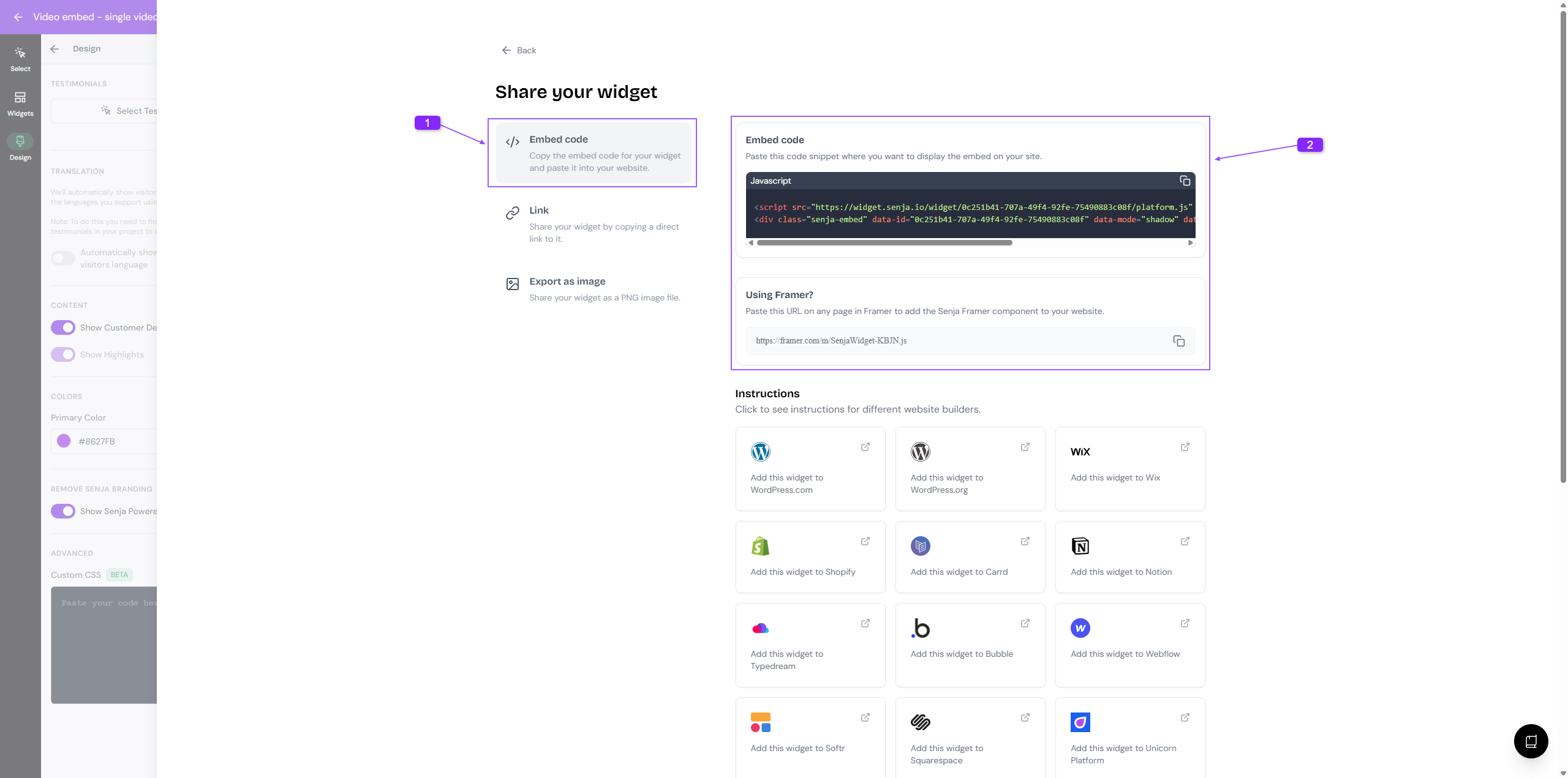
Click Share (top right corner) and choose the sharing method you want
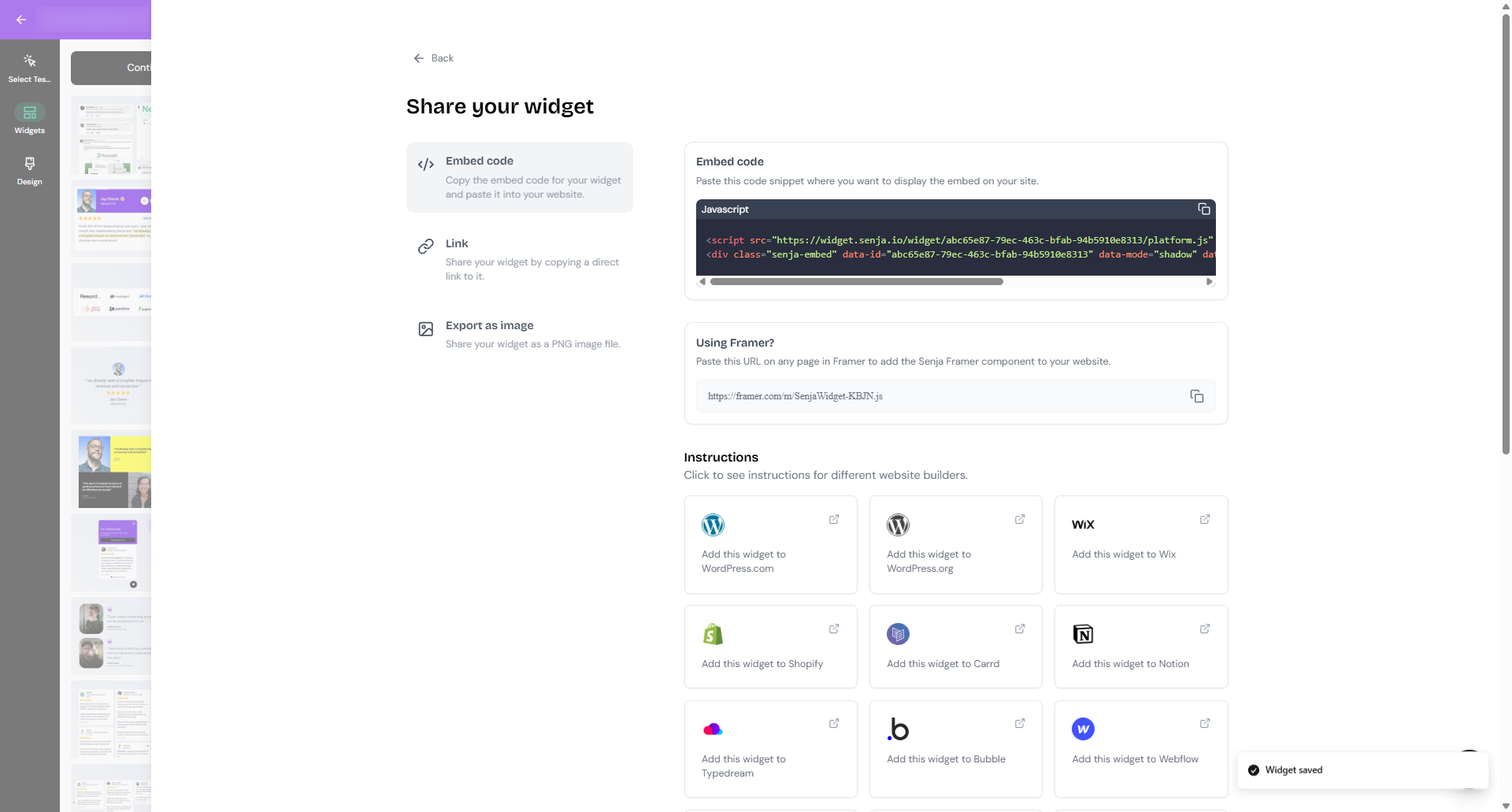
The options are:
Embed code, either with JavaScript or Framer (copy the embed code from the box)
Share as Link, either as common URL or QR code