
Add testimonials to your website
You want to embed your testimonial widget into your website builder.
We have instructions for most leading website builders, but if yours isn’t included, here’s what you need to do.
Add your Senja widget to your website builder platform
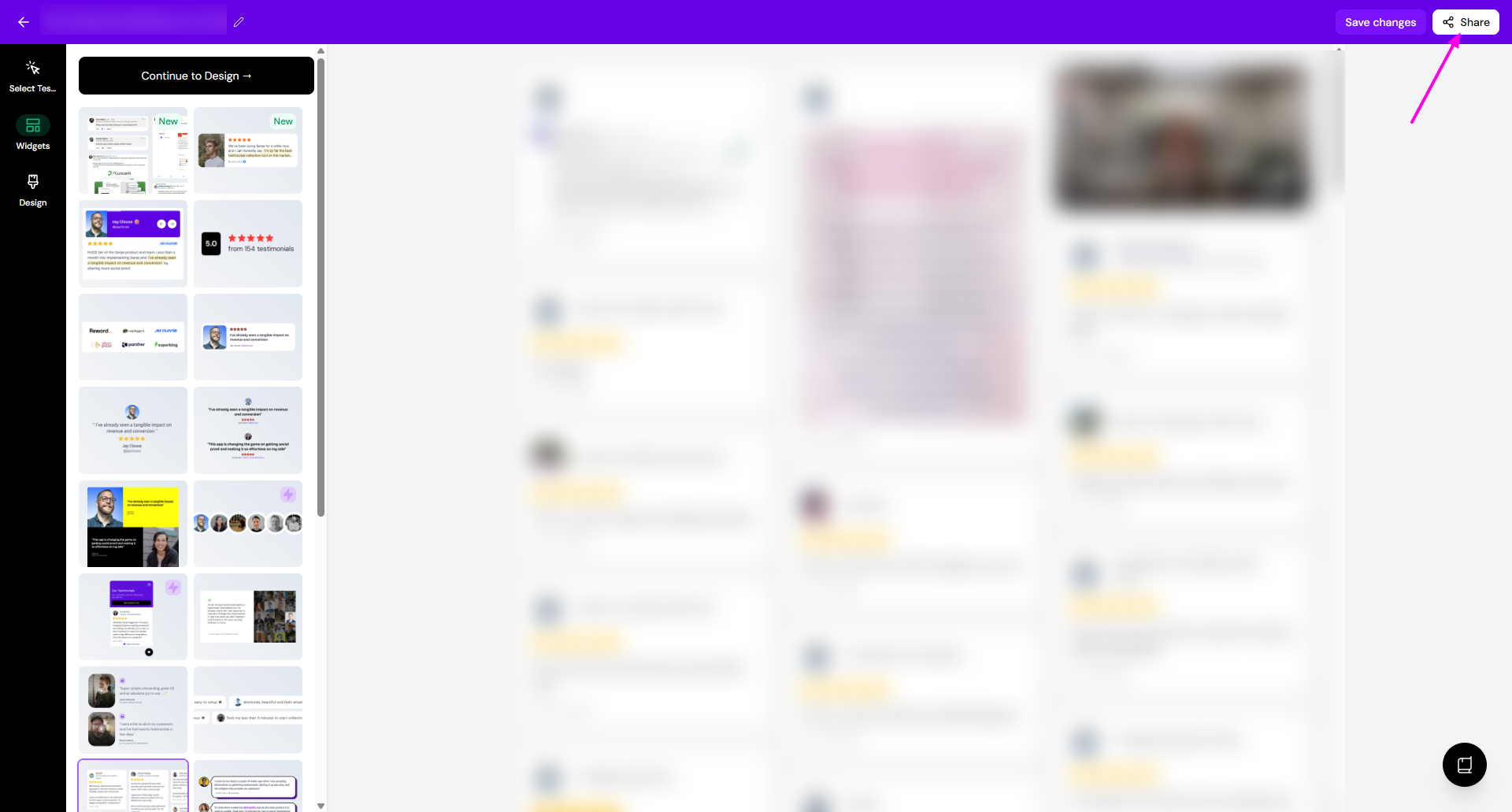
Create your widget following the guide How do I create widget?
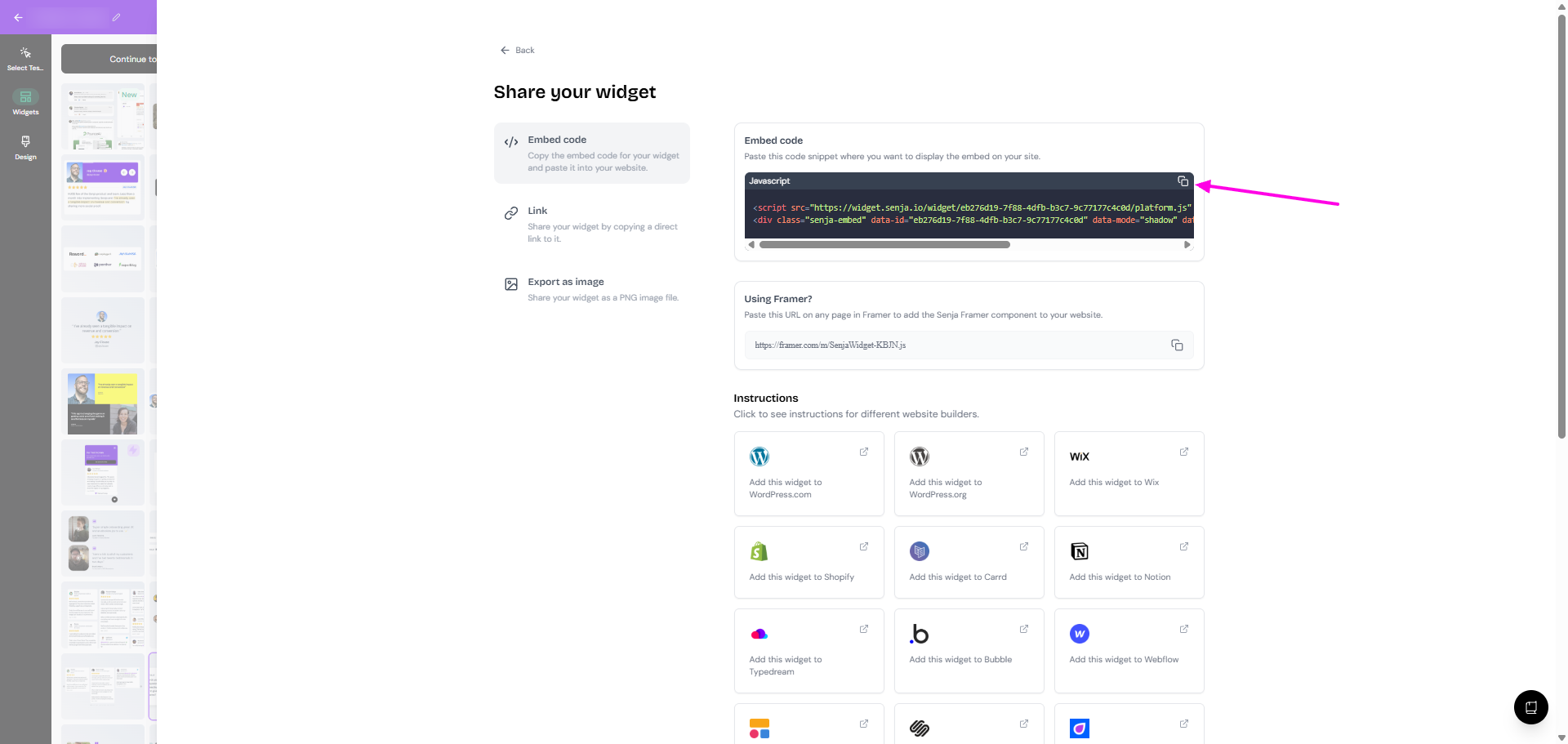
Click Share
Click the copy button in Embed code box
Go to the page in your website builder where you want to add your testimonial widget
Look for the custom code option in your website builder
This may also be known as embed, embed code, add code, custom HTML, add block, custom block or integrations
Paste your Senja code into the relevant place and click Save
Save and publish your page
That’s it, your testimonial widget is now looking amazing in your website 🥳 Not working? Just click Contact Us below and we’ll assist you.
Use Senja’s Chrome Extension to copy your widget code faster ✨
Senja’s free Chrome Extension allows you to copy your widget code and form URLs, and see all your latest testimonials, all without leaving the page you’re on.